For companies with 20 to 100 people and no IT department
Find Every AI Tool Your Team Is Using(And Lock Down The Ones That Can See Your Private Data)
Your team signed up for AI tools faster than anyone could track. Some overlap. Some nobody uses. Some can see client data they shouldn't. We find every one, rank the gaps, and show you exactly how to protect client data and stop paying for tools nobody uses.
Find at least 3 AI tools or access gaps you didn't know about, or you get every dollar back.

Example findings
| Tool | Users | Can see | Status |
|---|---|---|---|
| ChatGPT (personal accounts) | 11 | Client files | Close first |
| Unknown browser AI extension | 3 | Everything on screen | Close first |
| Otter.ai | 4 | Meeting recordings | Review |
| Microsoft Copilot | 23 | Email and SharePoint | Approved |
Example report. Your results will differ.


100+ companies managed
Next step: answer 5 quick questions to see what AI your company is really running.
1 of 5
Which AI tools do you know your team uses?
How it works
Find
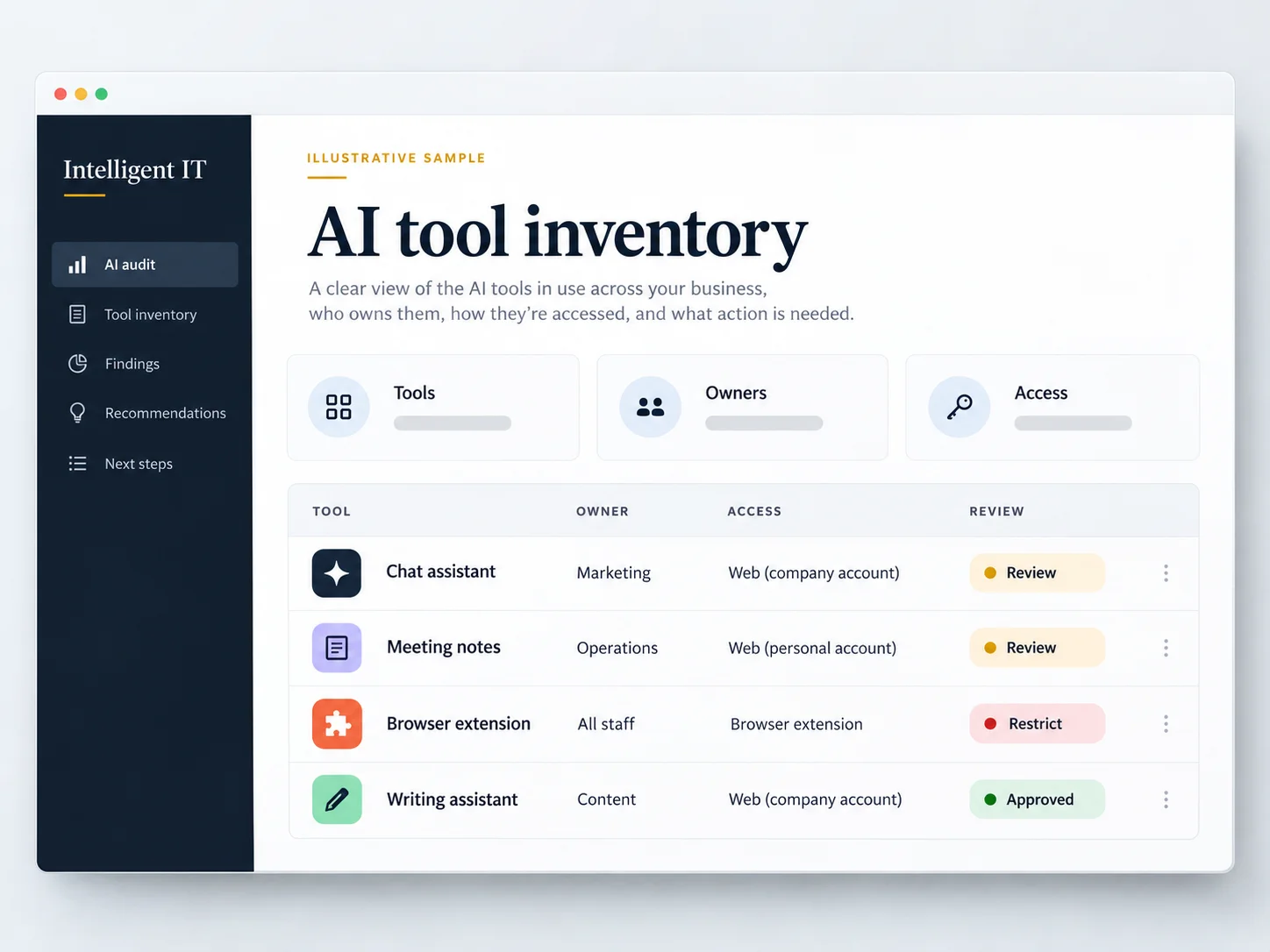
Our clients kept asking which AI tools their team was using. Nobody could answer. So we built a read-only scan that finds every one in 7 days.
Lock down
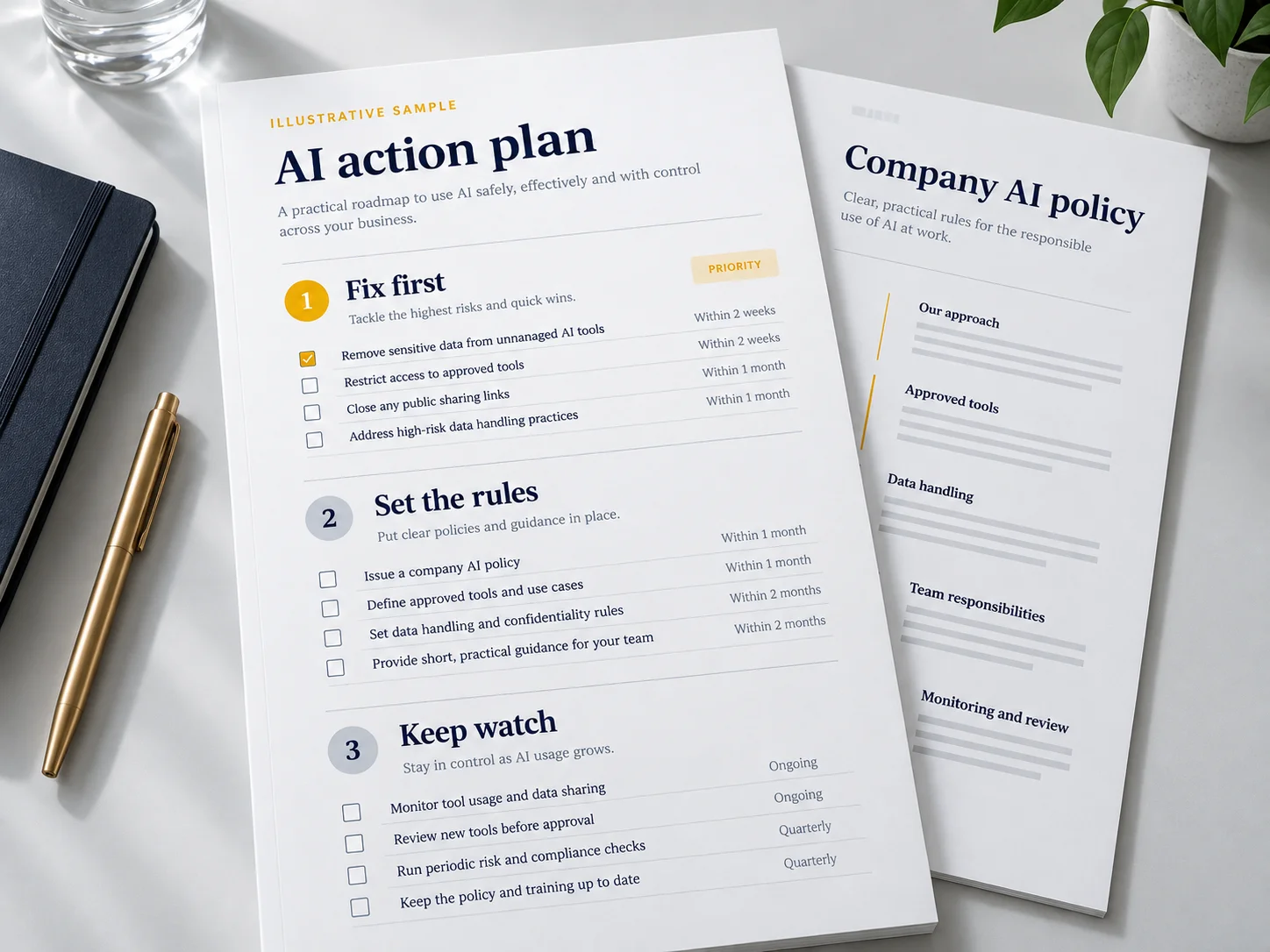
A list alone doesn't protect anything. So every audit ends with the gaps ranked, your roadmap, and an AI policy every team member has.
What you have on day 7
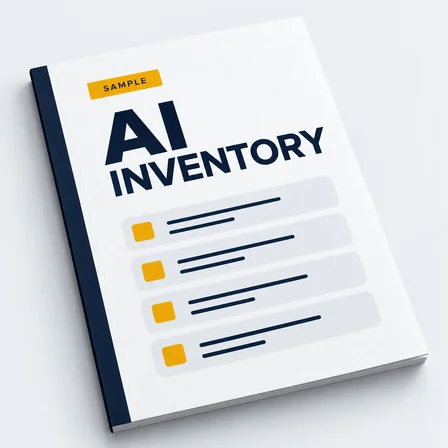
Every AI tool on one list. Who uses it, who pays for it, what it can see.
The gaps, ranked. Which tools touch client data, and what to close first.
The waste, in dollars. Duplicate tools, dead seats, subscriptions nobody remembers approving.
Your roadmap. What to cut, keep and govern, in order.
A full AI policy for your company. Which tools are approved, what data can go in them, what can't. Rolled out to every team member by day 7.
Illustrative examples. Your reports are tailored to your company.
Plus three bonuses
Client-Ready AI Statement: one page that answers "how do you handle our data with AI?" Send it to clients or drop it into security questionnaires.
Cyber Insurance AI Answers, Filled In: we complete the AI questions on your next cyber insurance renewal, so you're never guessing in writing.
30-Day Re-Scan: new AI tools show up every month. We rerun the full inventory 30 days later and flag anything new.
The audit is new. The team isn't.
We've run IT and security for 100+ companies across New York, Boston and San Diego. The audit is the newest thing we do. The people doing it aren't new.
- Companies managed
- 100+
- Companies managed
- Client satisfaction (2025)
- 97.2%
- Client satisfaction (2025)
- Ransomware attacks stopped before they ran (2025)
- 38
- Ransomware attacks stopped before they ran (2025)
- US-based senior engineers
- 100%
- US-based senior engineers
Their team feels like our own IT department. Available 24/7, always professional.
The proactive monitoring caught a ransomware attempt before it spread. Worth every penny.
We went from 3 IT contractors to one managed service. Cost savings paid for itself in 6 months.
Their team feels like our own IT department. Available 24/7, always professional.
Three steps, seven days
Today
Answer 5 quick questions and pick a call time. On the 30-minute call, we'll tell you straight if the audit is the right place to start.
Day 1
Pick the scope and sign the access agreement. Access is read-only. You decide what we see.
Day 7
Every finding, your roadmap, and your AI policy in every team member's hands.
Read-only. Scoped by you. Never used to train a model.
We never ask for more access than the audit needs, and you set the limits. Nothing you share trains an AI model or leaves your systems without your sign-off.
- Read-only access
- You set the scope
- Nothing trains a model
The guarantee
If we don't find at least 3 AI tools or access gaps you didn't know about, you get every dollar back. You keep the report either way.
Questions owners ask us
If yours isn't here, ask it on the call.
Your IT team may know which tools the company approved. That doesn't always show which AI tools employees signed up for on their own, or what those tools can access. This audit gives your team a clear inventory, a ranked list of gaps, and a plan for what to address first.
Paying for an approved tool is a good start. It doesn't tell you whether employees also use personal accounts, AI meeting recorders, browser extensions, or other apps. We review how AI is being used across the systems you authorize us to check.
We agree on the scope with you before we begin. Access for the audit is read-only, and you decide which systems we can review. We explain what access we need and why before you grant it.
The audit uses read-only access, so it doesn't change settings or shut off tools. We'll need your help setting the scope, arranging access, and answering questions. Any recommended changes are reviewed with you before action is taken.
You'll have an inventory of the AI tools we found, who uses them, and what they can access. You'll also get a ranked list of risks, a review of unnecessary spending, a clear action plan, and an AI policy for your team. We walk you through what matters and what to do next.
The audit shows you what needs attention and in what order. Your AI policy is part of the seven-day delivery. Changes to accounts, permissions, or connected tools depend on what we find and what you approve. We make the next steps and responsibilities clear, so you know who is doing what.
Clear rules your team can use: which AI tools are approved, what information can go into them, what must stay out, and how to get approval for a new tool. It's written for your company in plain language, so employees know what to do.
The goal is to help your team use AI with clear boundaries. We show you which tools to keep, which settings or permissions need attention, and where you may be paying for tools you don't need.
You'll choose a time for a 20-minute call. We'll discuss your company, what you already know about your team's AI use, and whether the audit is the right next step. Before work begins, we'll agree on the scope, access, pricing, and timing.